Every element, both engines, the protection.
Draw the system, import it, or let the AI build it from your drawings. Define what happens — pumps trip, valves close, a turbine rejects its load — and SurgeSpace shows the waves, the worst pressures, the cavities and slams, and the protection that fixes them.
Built like the desktop tools you know — and quicker.
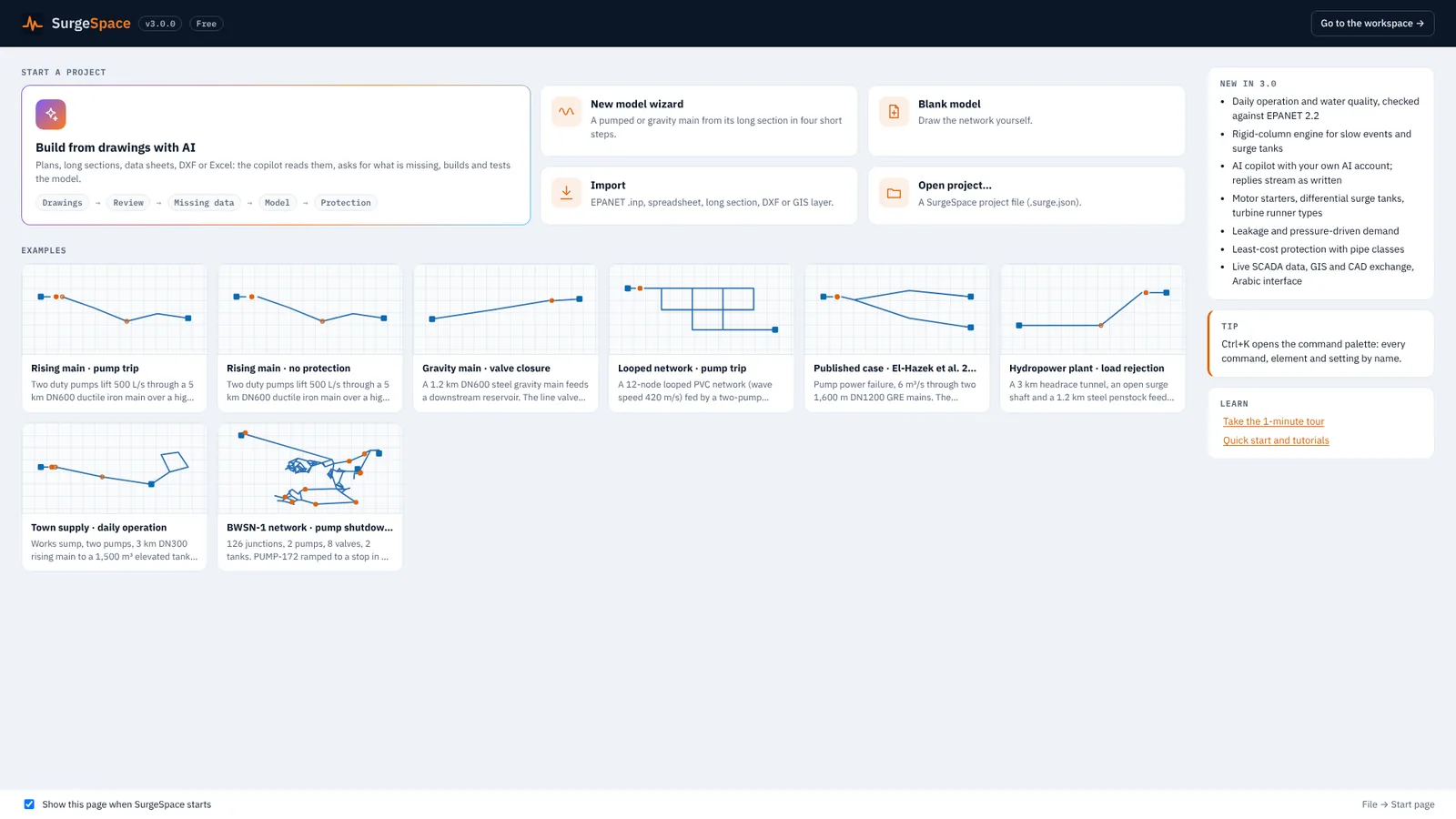
Model it as built.
Network
- Junctions, fixed- and varying-level sources, storage tanks
- Pipes, including viscoelastic plastic pipes
- Bends kept along the pipe and in the long section
- Real map coordinates, background plans and aerials
Pumps and turbines
- Pumps with inertia and four-quadrant characteristics
- Variable-speed drives and motor starters (DOL, star–delta, soft start)
- Hydro turbines with governors and runner characteristics
- Pump curves fitted from points, data sheets or graphs
Valves
- Line valves: gate, globe, ball, butterfly, needle or your curve
- Non-return valves: ideal, delayed, or the dynamic characteristic
- Pressure reducing, sustaining and breaking, flow control
- Inline orifices
Air vessels
- Vertical, horizontal or sphere; gas volume or bladder pre-charge
- Dip tube, connection inertia, separate in and out losses
- Check valve with bypass; polytropic gas
- Sized automatically to a minimum-pressure target
Air valves
- Double-acting, three-stage anti-slam, vacuum breaker, release only
- Manufacturer curves; every orifice and Cd editable
- Air-valve slam detected and shown on the map
- Planned by AWWA M51 practice and tested in surge runs
Other protection
- Surge tanks: simple, throttled, differential, variable area
- One-way feed tanks
- Surge anticipator and pressure relief valves
- Timed blow-offs and burst discs
The right engine for each question.
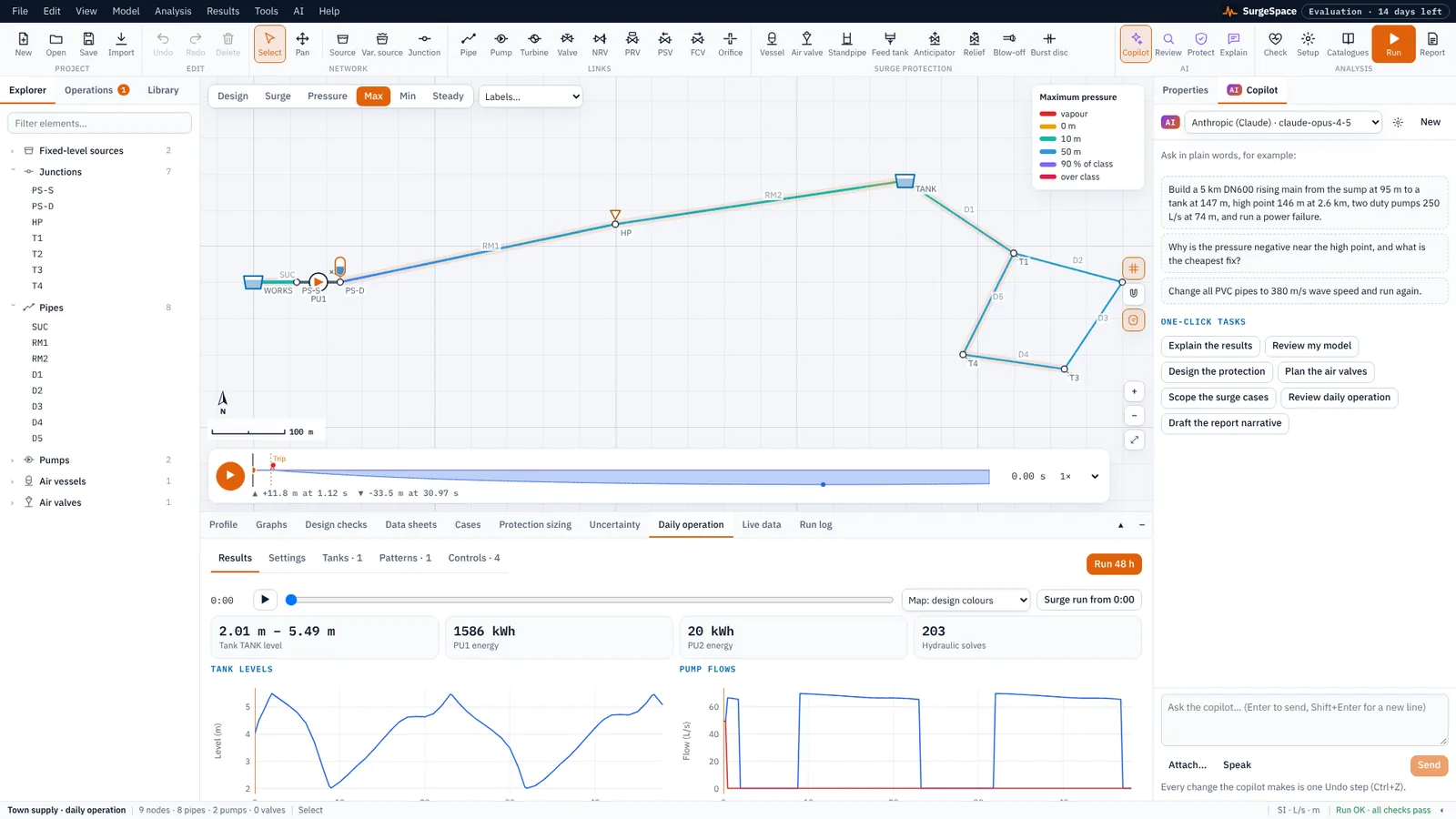
Results you can read at a glance.
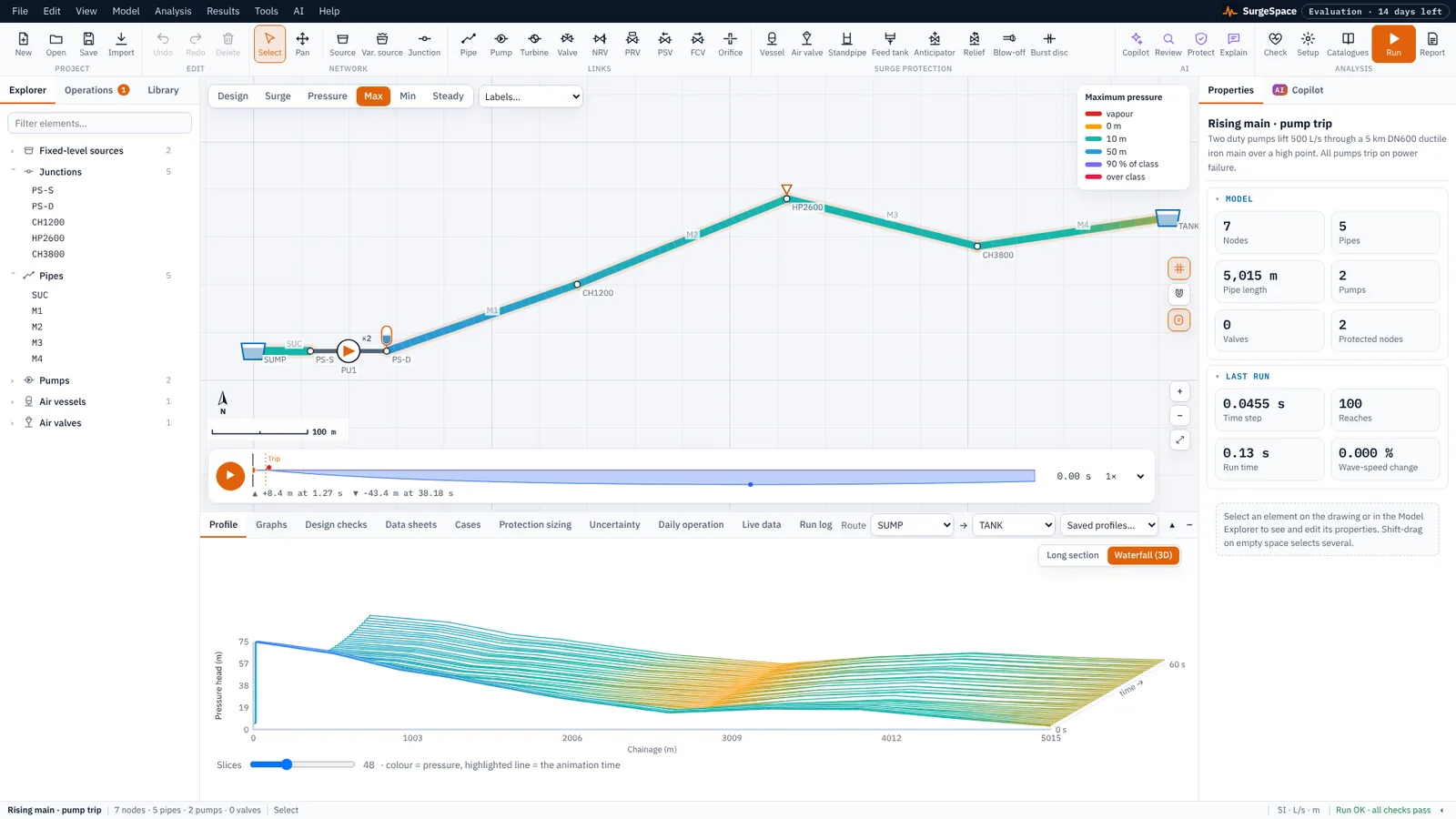
From the problem to the fix.
Sized for you
Automatic air vessel sizing, air valve planning and sizing, and a vessel sized with the air valve plan in place.
Least cost
A genetic algorithm chooses vessels, air valves, pipe classes or diameters for the lowest cost that passes the checks.
Checked
Design checks against pipe class, minimum pressure, column separation, device limits and turbine overspeed.
Uncertainty
Envelopes over wave speed, stroke time, inertia and time step — the range, not one guess.
Pipe forces
Unbalanced forces along each pipe for thrust blocks and supports.
Cases
Keep variants side by side, stored as differences; run them all and compare in one table.
In from anywhere, out to anyone.
Import and export
- EPANET .inp with pumps, control valves, controls, rules, patterns and vertices
- Excel and CSV tables, long-section profiles
- Project files and envelopes as CSV
CAD and GIS
- DXF in and out; an AutoCAD plug-in
- GeoJSON; QGIS and ArcGIS Pro plug-ins
- Street and satellite maps with terrain levels
Live plant data
- MQTT, OPC UA and Modbus
- Historian files
- Calibration to field data
The report
- Title page, summary, profile, all inputs
- Results for every node and pipe, devices, slams and checks
- In your units and language; the basis of the model and every assumption
Automation
- A command API — the same commands the interface and the copilot use
- Skeletonisation for large networks
AI, if you want it
- Model from documents and drawings
- A copilot that runs the engines and explains the results
- How the AI works
Try every feature for 14 days.
Free to download; the evaluation starts from inside the app.